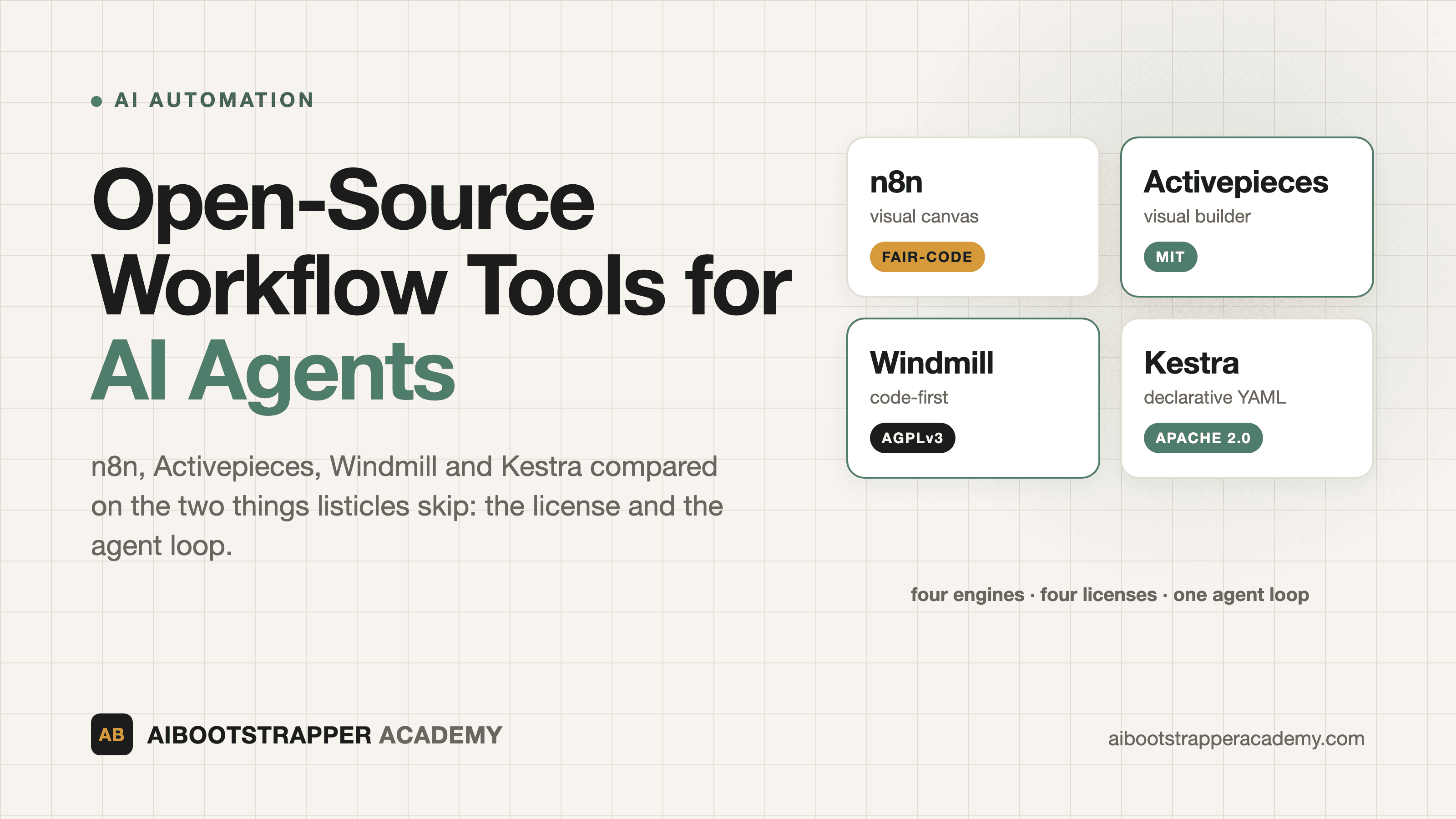
Open-Source Workflow Tools for AI Agents: n8n vs Activepieces vs Windmill vs Kestra
Four self-hostable workflow engines, four different licenses, and one thing listicles skip: what each one lets you do once an AI agent is in the loop. A comparison built from each project's own repo and docs.
Search for an "open-source n8n alternative" and you get a dozen listicles that rank tools by GitHub stars and integration counts. That misses the two questions that actually decide whether a self-hosted workflow tool survives contact with an AI agent: what are you legally allowed to do with it, and does it hold up when a step is a slow, non-deterministic LLM call instead of a fast API request? This post compares the four self-hostable engines people most often shortlist in 2026, n8n, Activepieces, Windmill, and Kestra, on those two questions, using each project's own repo and docs rather than third-party roundups.
One note on where our experience sits: the Academy's AI Automation Mastery course is built on n8n and Make, so that is where our hands-on teaching time is. For Activepieces, Windmill, and Kestra, what follows rests on their official repositories and documentation, not on production runs of our own. Treat it accordingly.
"Open Source" Means Four Different Things Here
The four projects sit under four different licenses, and the differences change what you can do with them.
- **n8n** uses the Sustainable Use License, which its LICENSE file limits to "your own internal business purposes or for non-commercial or personal use." Files with `.ee.` in the name fall under a separate paid Enterprise license. This is "fair-code," not open source in the sense that OSI-approved licenses like MIT are.
- **Activepieces** publishes its Community Edition under MIT, with enterprise features under a commercial license in `packages/ee`.
- **Windmill** is AGPLv3 and Apache 2 for its source, with proprietary features layered on top.
- **Kestra** is Apache 2.0 with a separate Enterprise Edition.
Why does this matter for an AI workflow? Because agents tend to become products. If you run n8n for your own company's operations, the license is a non-issue. If your business model is hosting workflows for other companies as a service, that is exactly the case to confirm with n8n directly before you build on it. AGPLv3 has a different trigger: its network-use clause requires you to offer source to users who interact with a modified version over a network. Running Windmill unmodified for internal operations rarely hits it; forking it into a customer-facing product does. MIT and Apache 2.0 carry no such condition. This is a summary, not legal advice, so read the license text if you plan to resell.
What Makes a Workflow Engine Ready for AI Agents
An ordinary integration step calls an API and returns in milliseconds. An agent step calls an LLM, which decides which tool to invoke, waits for the result, and may loop. So a workflow engine needs four things beyond "has an OpenAI node":
- **A tool-calling loop** it manages for you, so the model can choose among tools and retry.
- **Durable, isolated execution**, because a single step can run for tens of seconds and must not starve other workflows (the failure mode covered in n8n queue mode explained).
- **MCP support**, so agents can call your workflows as tools and your workflows can call external tools. n8n's version is walked through in the MCP Server Trigger post.
- **Cost and loop guardrails**, since an unbounded agent can burn tokens quickly. The n8n-specific controls are in cost guardrails, rate limits and concurrency.
The Four Tools, Side by Side
The table below uses figures from each project's own README and docs, checked on 19 September 2026. GitHub stars measure attention, not fit, so treat them as a rough signal of community size only.
| n8n | Activepieces | Windmill | Kestra | |
|---|---|---|---|---|
| License | Sustainable Use (fair-code) | MIT (Community Edition) | AGPLv3 + Apache 2 | Apache 2.0 |
| GitHub stars | ~205k | ~24.5k | ~18k | ~28k |
| How you build | Visual canvas + JS/Python | Visual builder, pieces in TypeScript | Code-first: Python, TypeScript, Go, Bash, SQL | Declarative YAML, plus no-code editor |
| Integrations | 1,500+ | 280+ pieces | Any code, plus a script hub | 1,400+ plugins |
| AI agent story | LangChain-based agent nodes, MCP | AI agents, MCP server, AI pieces | Scripts and flows in any language; AI-assisted authoring | AI Agent task, AI Copilot, MCP |
| Self-host backend | Docker; queue mode needs Postgres + Redis | Docker Compose with Postgres + Redis | Postgres, Docker Compose or Helm | Docker/Compose/Helm/JAR, Postgres |
When Each One Is the Right Pick
**n8n** is the default if you want the biggest catalog and the shortest path from idea to working agent. 1,500+ integrations and native agent nodes mean you rarely write glue code. The cost is the license constraint above and Enterprise-gated features. For the pricing side of choosing n8n over hosted tools, see n8n vs Zapier vs Make.
**Activepieces** fits non-technical teams who want a genuinely permissive license. Its docs describe a built-in MCP server that exposes your connected apps to Claude, Cursor, and similar clients, and a Docker Compose install that bundles Postgres and Redis. The catalog is smaller than n8n's, and deep custom logic is harder than in a code-first tool.
**Windmill** fits engineering teams. You write real scripts, and Windmill turns them into flows, apps, and schedules. Its Community Edition has limits worth reading before you commit: its pricing page lists a cap of 50 users, 10 SSO users, and 3 workspaces, with no audit logs or SAML, and several triggers (Kafka, NATS, SQS) reserved for Enterprise. Check that page yourself, since plan limits change.
**Kestra** fits data and platform teams running scheduled, event-driven pipelines who want workflows as version-controlled YAML. Its AI documentation covers an AI Agent task where "an LLM decides which actions to take at runtime," an AI Copilot, and an MCP server. The docs page does not say which AI features are Enterprise-only, so confirm that before betting an agent workload on the open-source build. Production deployments need at least 2 vCPUs and 4 GiB of memory.
What Actually Goes Wrong in Practice
Three failure patterns show up regardless of tool. First, teams pick by feature checklist and discover in month three that a needed feature (SSO, audit logs, a specific trigger) sits behind the commercial tier. Read the edition comparison before you build, not after. Second, self-hosting shifts operations onto you: Postgres backups, upgrades, secrets, and monitoring are now your job, and for a small team that overhead can outweigh the per-task savings. Third, a smaller catalog means writing more custom code, and custom code in an agent workflow needs the same error handling and monitoring as everything else.
Where to Go Deeper
Picking the engine is the smaller decision. The harder part is designing a workflow that fails loudly, respects a human approval step, and does not quietly loop, and that skill transfers across every tool above. In AI Automation Mastery, the modules "Building your first AI agent" and "Shipping and maintaining automations" cover that on n8n and Make, with a free first module on why automation projects fail. It will not teach Activepieces, Windmill, or Kestra directly, but the workflow-design and monitoring habits carry over to any of them.
Go deeper
AI Automation Mastery
Want the full AI Automation Mastery course, not just this post?
Join the waitlist and get a 20% launch discount the moment we open checkout. No payment now.
Taught by Aditya Jha · 40+ AI products shipped for real clients. No spam, unsubscribe any time.
Or join our free community for AI tips while you wait
One email a week: the AI tools, tactics, and course drops actually worth your time. No spam, unsubscribe anytime.
Questions about this or which course fits? Email academy@aibootstrapper.com and we'll answer it directly, not with a support ticket.