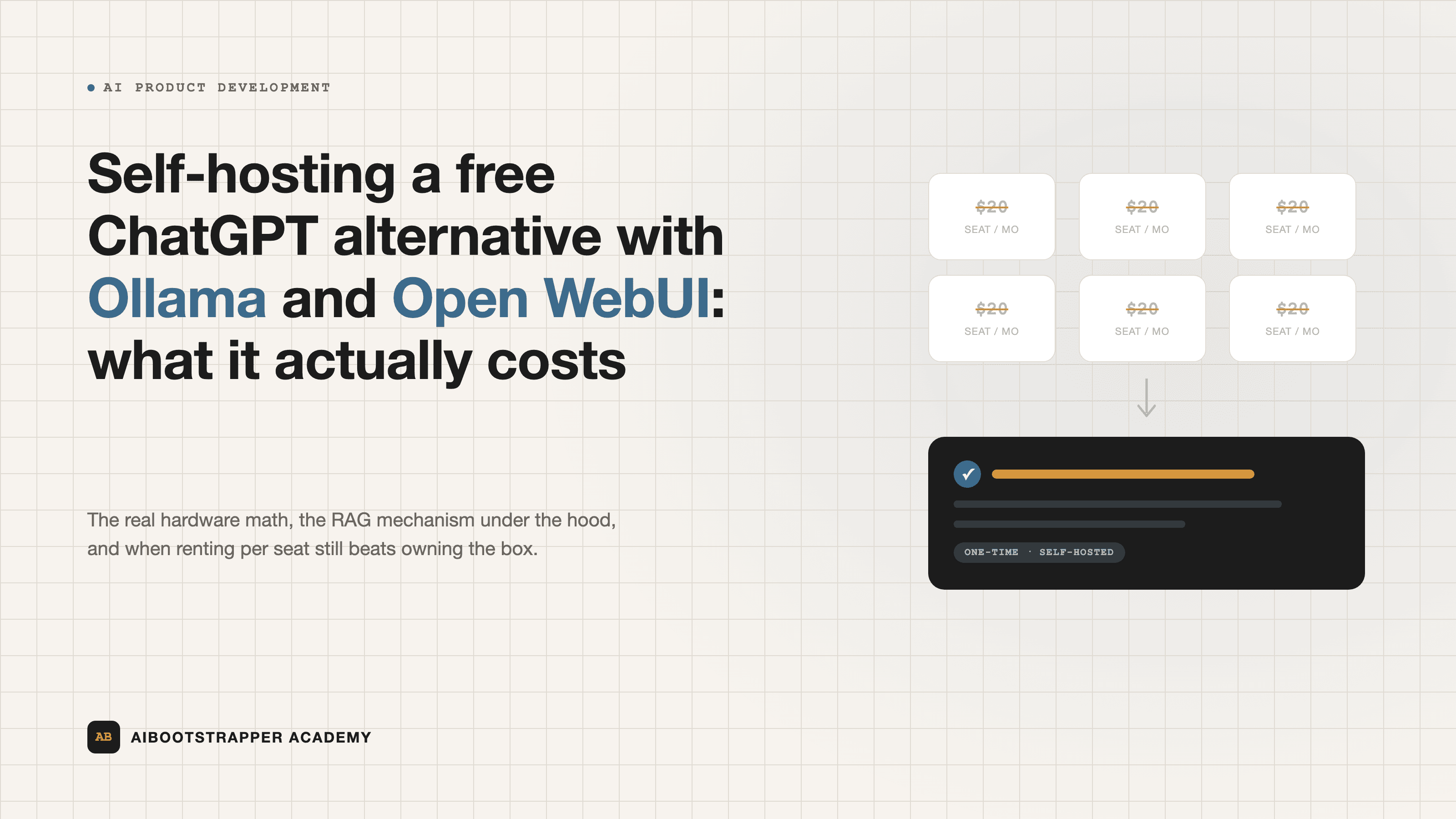
Self-Hosting a Free ChatGPT Alternative with Ollama and Open WebUI: What It Actually Costs
Ollama and Open WebUI let you run a ChatGPT-style assistant on your own hardware for free. Here's the real hardware math against ChatGPT Business pricing, how the built-in RAG actually works, and where the naive setup breaks.
Every founder paying for ChatGPT Business eventually does the same math on a slow Tuesday: multiply the per-seat price by the number of people who'd actually use it, multiply that by twelve months, and wonder whether a GPU you own outright would pay for itself faster than a subscription you rent forever. The honest answer is: sometimes, and the "sometimes" depends on facts most people never actually check before deciding. Here's what self-hosting a ChatGPT-style assistant with Ollama and Open WebUI really involves, what it actually costs, and where it quietly falls apart.
What Ollama Actually Does When You Type `ollama run`
Ollama is a thin, well-packaged wrapper around llama.cpp, the C++ inference engine that made it practical to run large language models on ordinary hardware instead of a data-center GPU cluster. When you run `ollama pull qwen3:14b`, Ollama downloads a quantized version of the model in GGUF format: the original weights, compressed from 16-bit or 32-bit floating point down to 4-bit or 8-bit integers, trading a small amount of accuracy for a large reduction in memory footprint. A 14-billion-parameter model that would need roughly 28GB of memory at full precision fits in under 9GB at 4-bit quantization, which is why a model that would have required a $10,000 server two years ago now runs on a gaming laptop.
`ollama run` then starts a local HTTP server on port 11434 and loads the model into memory (GPU VRAM if you have a compatible card, otherwise system RAM with CPU inference, which is far slower). Every chat message becomes an API call to that local server. Ollama's own GitHub repository, at 177,059 stars as of this writing, lists direct support for model families including Qwen, DeepSeek, Gemma, and gpt-oss, pulled straight from ollama.com/library with no account, no API key, and no per-token bill.
Open WebUI: The Interface, and the RAG It Ships With
Ollama by itself is a command-line tool and a raw API, not something you'd hand to a non-technical teammate. Open WebUI is the layer most self-hosted deployments put on top of it: a ChatGPT-style browser interface, running in a single Docker container, that connects to your local Ollama instance (or any OpenAI-compatible API) and adds the features people actually expect, like conversation history, multiple users, and role-based access. It's a genuinely large project, sitting at over 147,000 GitHub stars, not a weekend script someone abandoned.
The feature that matters most for a business use case is the built-in retrieval-augmented generation. When you upload a document, Open WebUI chunks the text, generates embeddings for each chunk, and stores them in one of nine supported vector databases. At query time, it searches those embeddings for the chunks most relevant to your question — combining traditional keyword search (BM25) with vector similarity search, a technique called hybrid search — and injects the matching text directly into the model's context window before it generates an answer. That's the same mechanism we walk through in more depth in how to actually automate a business process with AI agents: the model isn't "trained" on your documents, it's handed the relevant excerpt at the moment it needs it, which is why RAG stays accurate as your documents change and fine-tuning doesn't.
The Real Cost Math
ChatGPT Business runs roughly $20 per user per month billed annually (around $25 monthly), with a two-seat minimum, and ChatGPT Enterprise negotiates well above that per seat with a much higher seat-count floor. For a 10-person team on Business pricing, that's roughly $2,400–$3,000 a year, indefinitely, scaling linearly with headcount.
Self-hosting swaps that recurring cost for a fixed one. A machine capable of running a genuinely useful mid-size model (14B–32B parameters at 4-bit quantization) needs a GPU with 16–24GB of VRAM, which today means something in the RTX 4080/4090-class range, or a cloud GPU instance rented by the hour if you'd rather not own hardware. That's a one-time cost in the same ballpark as three or four months of a small team's ChatGPT Business bill, after which additional users cost nothing extra, because you're not paying per seat, you're paying for compute capacity the whole team shares.
The breakeven point moves fast with headcount: a 30-person team hits payback on self-hosted hardware in weeks, not years. A 3-person team almost never will, because the fixed cost of hardware, setup, and someone's time to maintain it outweighs what three seats of ChatGPT Business actually costs.
Where the Naive Approach Breaks
The failure mode is predictable: someone installs Ollama, pulls the biggest model the ollama.com homepage recommends, watches it crawl at two tokens a second or crash mid-response, and concludes local AI "doesn't work." What actually happened is a hardware mismatch. A 70B model needs roughly 48GB of VRAM at 4-bit quantization to run at a usable speed; loading it into a system with 16GB of VRAM forces heavy CPU offloading, and CPU inference is an order of magnitude slower than GPU inference. The fix isn't more patience, it's matching model size to the hardware you actually have, the same way you wouldn't try to run a modern game at max settings on a five-year-old graphics card and blame the game.
The second failure mode is skipping governance because "it's just internal." Self-hosting removes OpenAI from your data-handling chain entirely, which is often the whole point, but it doesn't remove the need for access control, audit logs, or a plan for what happens when the one person who set up the Docker container leaves the company. Open WebUI ships role-based access control and enterprise auth out of the box; teams that skip configuring it are trading a vendor's security team for nobody's.
Picking the Right Model for the Job
There is no single best local model in 2026, only the right size for your hardware and your task. For general business chat and document Q&A, a 14B–32B model like Qwen or a Llama-family model in the 8B–70B range covers most day-to-day use at a size that fits consumer or workstation GPUs. For coding assistance, Mixture-of-Experts coding models built specifically for the task consistently outperform general chat models of a similar footprint. License matters as much as capability for commercial use: models released under Apache 2.0 or MIT licenses, which now includes recent releases from Qwen, DeepSeek, and Mistral, carry no royalty or usage restriction for a business deploying them internally, unlike some earlier open-weight releases with more restrictive terms.
When Self-Hosting Is Actually the Right Call
Self-hosting wins when you have real headcount to amortize the hardware across, a genuine data-sensitivity reason to keep prompts off a third party's servers, and someone on the team willing to own the maintenance. It loses when your team is small, your usage is light, or nobody wants to be the person who gets paged when the Docker container falls over on a Sunday. Neither answer is universally correct, which is exactly why it's worth doing the actual arithmetic on your own headcount and usage before picking either one — the kind of buy-versus-build decision we cover in more depth inside AI Product Development Bootcamp.
Go deeper
AI Product Development Bootcamp