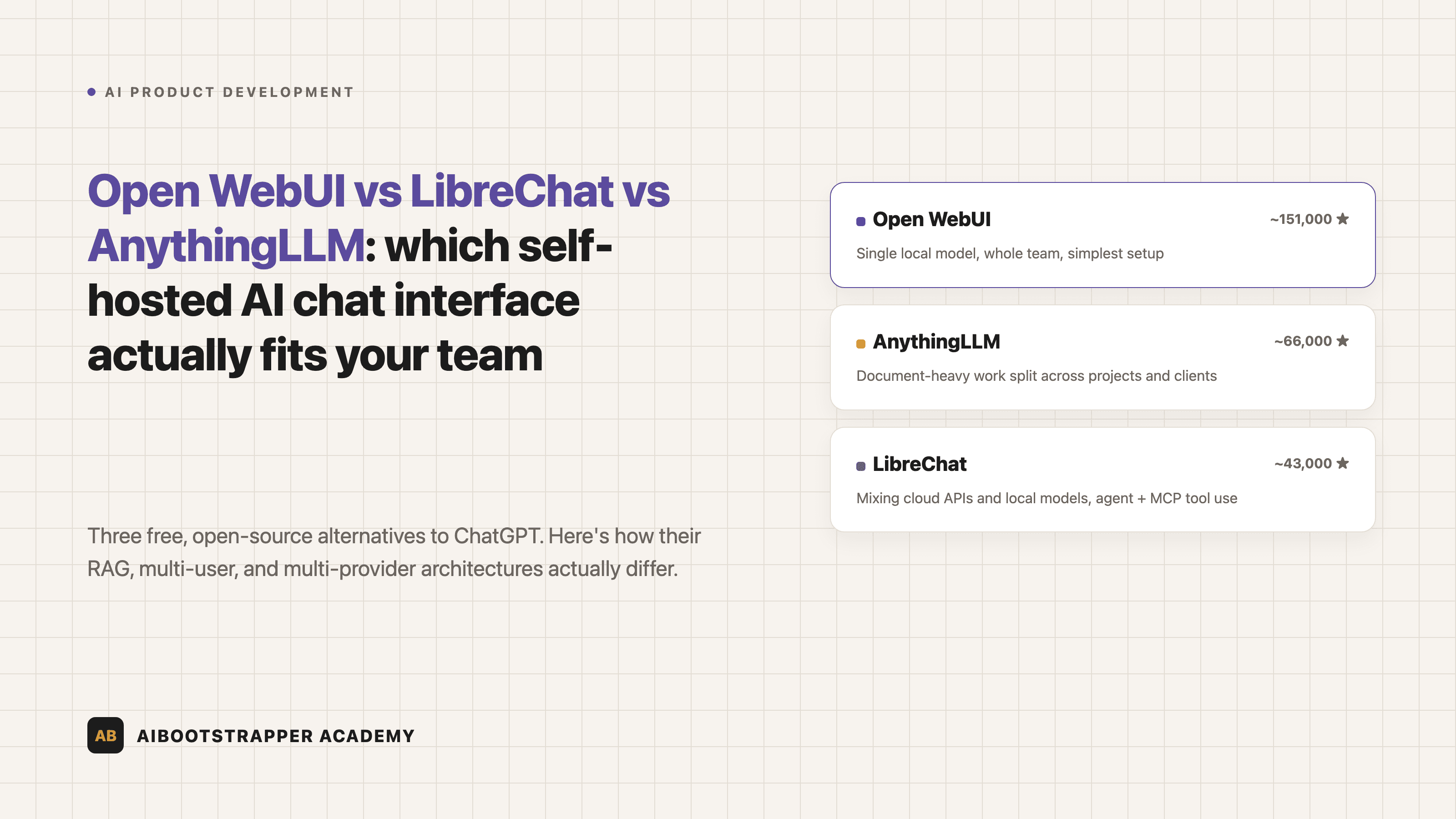
Open WebUI vs LibreChat vs AnythingLLM: Which Self-Hosted AI Chat Interface Actually Fits Your Team
Three free, open-source alternatives to ChatGPT Business all claim to be the self-hosted answer. Here's how their RAG, multi-user, and multi-provider architectures actually differ, and which one fits your team's real bottleneck.
Once you've decided to self-host instead of paying per seat for ChatGPT Business — the math we walked through in self-hosting a free ChatGPT alternative with Ollama and Open WebUI — you hit a second decision nobody warns you about: which interface actually sits on top of your local model. Three names dominate the search results, all open-source, all free, and all claiming to be "the self-hosted ChatGPT alternative." They are not interchangeable. Open WebUI, LibreChat, and AnythingLLM solve genuinely different problems, and picking the wrong one means re-migrating your team's chat history and document library six months in.
The Three Contenders, and What They're Actually For
Open WebUI is the default answer for a reason: it's the most-starred project of the three on GitHub, built as a polished front end for a single local inference backend, usually Ollama. If your plan is "run one good local model and give the whole team a ChatGPT-style box to talk to it," this is the tool built for exactly that.
LibreChat solves a different problem: mixing providers. It unifies OpenAI, Anthropic, Google, AWS Bedrock, Azure, and a local Ollama endpoint in one interface with one conversation history, so a team can switch between GPT-5, Claude, and a self-hosted Llama model without switching tools or losing context.
AnythingLLM, built by Mintplex Labs, treats document organization as the primary problem, not model access. It divides everything into "workspaces" — self-contained containers of documents and chat history that don't leak context into each other, which matters the moment more than one team or client is involved.
How Each One Actually Handles RAG
The retrieval-augmented generation implementation is where the real architectural differences show up, not in the chat bubble UI.
Open WebUI runs RAG natively inside the app: it chunks uploaded documents, embeds them, and at query time combines keyword search (BM25) with vector similarity search — a technique called hybrid search — before injecting the matching passages into the model's context window, per its own RAG documentation. It also ships a Python "Pipelines" framework, a separate service that lets you intercept every request and response to add custom logic, which is how most Open WebUI RBAC and enterprise-auth extensions actually get built, per the Pipelines architecture docs.
LibreChat's RAG runs as a genuinely separate microservice — a FastAPI application backed by a PostgreSQL database with the pgvector extension — rather than logic baked into the main app, according to its RAG API documentation. That separation is deliberate: it lets the RAG service scale or get swapped independently of the chat interface, which matters more once you're also running LibreChat's native MCP integration to give agents tool access to file systems, browsers, or internal APIs.
AnythingLLM exposes the RAG knobs directly to whoever configures a workspace: chunk size and overlap are set per workspace, and the documentation recommends roughly 500-token chunks with about 10% overlap, retrieving five to seven chunks per query as a starting point. That's more manual tuning than the other two expose by default, but it's also the most direct lever if your documents are unusually long, dense, or short.
Multi-User Governance Isn't Optional Once More Than One Person Logs In
All three support multiple users, but the model differs. Open WebUI ships role-based access control and enterprise authentication (SSO, OAuth) as first-class features once you're past a single-user home-lab setup. LibreChat was built around team use from the start — GitHub, Azure AD, AWS Cognito, and Keycloak auth are all supported, plus an agent marketplace where a team can publish and share configured assistants internally. AnythingLLM's multi-user mode scopes documents per workspace with role-based access and includes a built-in admin UI plus public chat embeds, which is the most straightforward path if the deployment needs to expose one workspace to external users while keeping others internal-only.
Skipping this step because "it's just internal" is the same mistake we flagged in the Ollama cost piece: self-hosting removes the vendor's security team from your data pipeline, it doesn't remove the need for one entirely.
Real Numbers, as of This Writing
| Tool | GitHub stars | License | Best fit |
|---|---|---|---|
| Open WebUI | ~151,000 | BSD/MIT-style | Single local model, whole team, simplest setup |
| AnythingLLM | ~66,000 | MIT | Document-heavy work split across projects/clients |
| LibreChat | ~43,000 | MIT | Mixing cloud APIs and local models, agent/MCP tool use |
Star counts pulled directly from each project's GitHub repository at the time of writing — Open WebUI, AnythingLLM, LibreChat — and they move fast, so treat the ranking, not the exact digits, as the durable signal.
Star count isn't a quality score by itself, but at this scale it's a reasonable proxy for community size, which translates directly into how many Docker Compose edge cases are already answered in a GitHub issue somewhere versus how many you'll debug alone.
A Decision Framework, Not a Popularity Contest
Pick based on the actual failure mode you're avoiding, not the biggest star count:
- Your team just needs one solid local model and a ChatGPT-style box → Open WebUI. It's the shortest path from `docker run` to something a non-technical teammate can use unsupervised.
- You're already paying for GPT-5 or Claude API access and want to add a local model as a cost-conscious option in the same interface, plus real agent tool-calling via MCP → LibreChat. Nothing else in this category unifies providers this cleanly.
- Your actual bottleneck is documents — client folders, project archives, internal wikis — that need to stay logically separated → AnythingLLM. The workspace model is built around exactly that boundary, where the other two treat it as an afterthought.
None of these decisions are permanent — all three are open-source, self-hosted, and let you export your data — but re-platforming a team's daily tool after they've built habits around it has a real cost, so it's worth the extra thirty minutes of research before the first Docker Compose file goes down.
Where This Fits If You're Building the Whole Stack
Picking a chat interface is one decision inside a much bigger one: whether to build internal AI tooling at all, and how to evaluate the tradeoffs before committing engineering time to it. That buy-versus-build evaluation — how to price out a tool decision like this one against the alternative of just using an API, and how to avoid re-platforming six months later — is exactly the kind of decision framework covered in more depth inside AI Product Development Bootcamp, alongside the RAG and context-engineering mechanics that make any of these three interfaces actually useful once documents are involved.
Go deeper
AI Product Development Bootcamp
Want the full AI Product Development Bootcamp course, not just this post?
Join the waitlist and get a 20% launch discount the moment we open checkout. No payment now.
Taught by Aditya Jha · 40+ AI products shipped for real clients. No spam, unsubscribe any time.
Or join our free community for AI tips while you wait
One email a week: the AI tools, tactics, and course drops actually worth your time. No spam, unsubscribe anytime.
Questions about this or which course fits? Email academy@aibootstrapper.com and we'll answer it directly, not with a support ticket.