Which Local Ollama Models Actually Work With n8n's AI Agent (Tool Calling, Tested)
Every Ollama model page says 'tool calling: yes.' Few actually call tools reliably inside an n8n AI Agent. Here's the real mechanism, which models are natively trained for it, and the context-window and temperature settings that fix the rest.
If you've wired n8n's AI Agent node to a local Ollama model to cut your OpenAI bill to zero, you've probably hit the same wall: the agent "has" a calculator tool, a database lookup, a web search node, and it just... doesn't call them. It either answers from memory and gets the number wrong, or it calls the tool with malformed arguments and the workflow throws. The model page said "tool calling: yes." The agent doesn't act like it.
The gap is real, and it's not a bug in your workflow. It's the difference between a model that was trained to call tools and a model that was taught to describe how tool calling would work if it felt like it. Here's the actual mechanism, which local models currently close that gap, and how to wire it correctly in n8n.
How Tool Calling Actually Works Under the Hood
Neither Ollama nor n8n magically makes a language model press a button. A "tool call" is a convention layered on top of plain text generation. When n8n's Ollama Chat Model node talks to your local model, it sends the model's prompt plus a `tools` array describing each available function as a JSON Schema: its name, its description, and the shape of the arguments it accepts.
Ollama added this to its chat API in July 2024, following the same wire format OpenAI's API uses. The model doesn't execute anything. It's asked to predict the next tokens, and if it was trained on enough examples of "when you need live data, emit a `tool_calls` block matching this schema instead of a prose answer," it will do that reliably. If it wasn't, it will approximate the format from whatever it picked up in pretraining, which is where things get unreliable: truncated JSON, an invented argument name, a function call wrapped in a sentence instead of a clean structured block.
This is the real split in the ecosystem right now. Some models are post-trained specifically on tool-call sequences as part of their instruction tuning. Others only know the format exists because tool definitions were stuffed into their training data secondhand. Both will say yes if you ask "do you support tools," because the architecture allows it and the model card says so. Only the first group does it dependably at 7–14B sizes, which is the range most people can actually run on a single GPU or a Mac with 24–32GB of unified memory.
Which Models to Actually Pick
Based on current native tool-calling training rather than architecture capability alone:
- **Qwen 2.5 and Qwen 3 (7B–32B)** are consistently the most reliable open-weight tool callers at consumer-GPU sizes. Alibaba trained these specifically on agentic and function-calling data, and it shows in how cleanly they emit structured output without extra prompting.
- **Llama 3.1 and 3.2** were the first Meta models with native tool support and work well for straightforward single-tool-per-turn cases, though they degrade faster than Qwen once a workflow needs the model to pick between four or five tools with similar names.
- **Mistral's function-calling-tuned releases** are a solid middle ground, especially for smaller footprints.
- **IBM Granite 3.2** (2B and 8B) is purpose-built around tool and agentic use cases and is worth testing if you're memory-constrained and don't need general chat quality.
Models without native tool training (generic chat-tuned bases, older Llama 2 derivatives, most fine-tunes optimized purely for roleplay or writing) will frequently hallucinate a tool call that doesn't exist, call the right tool with a plausible-but-wrong argument, or narrate "I would call the weather tool now" as text instead of emitting the structured call. If your n8n AI Agent is skipping tools or mangling arguments, swap the model before you touch your prompt — that's usually the actual fault line.
Wiring It in n8n Without the Gotchas
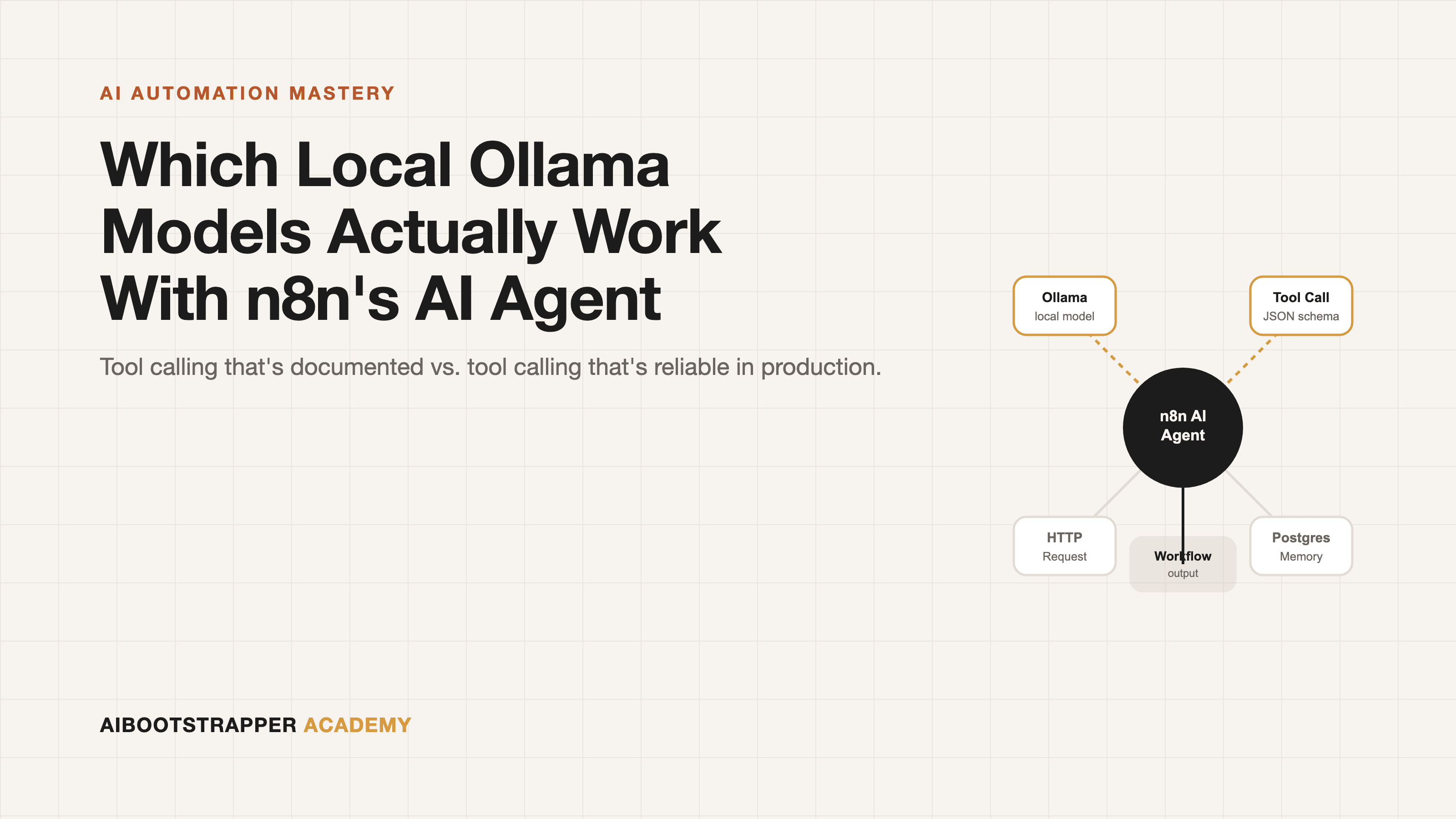
A working setup looks like this: an **Ollama Chat Model** sub-node supplying the LLM, connected into an **AI Agent** node, with your tools (an HTTP Request node, a Postgres node, a Code node, whatever the workflow needs) attached as the agent's tool inputs. Three things trip people up specifically with local models:
1. **Context window defaults are too small.** Ollama's default context length for most models is far shorter than what multi-tool agent loops need once you include the tool schemas, the conversation history, and the tool outputs coming back. Set `num_ctx` explicitly in the Ollama Chat Model node's options — 8192 as a floor for anything with more than one tool, more if the agent needs memory across turns (see our guide to n8n memory nodes if you're pairing this with Postgres-backed memory). 2. **Temperature needs to come down for tool-calling turns.** Higher temperature is what makes chat feel creative; it's also what makes a model paraphrase a function signature instead of reproducing it exactly. Keep it low (0.1–0.3) when the agent's job is picking and calling tools correctly rather than writing prose. 3. **Validate the agent's output, don't trust it blindly.** Even a well-trained tool-calling model will occasionally emit an argument that doesn't match your schema (a string where you expected a number, a missing required field). Put a validation step after the agent rather than wiring its tool-call output straight into a production system — the same discipline covered in our cost-guardrails piece applies here even though the failure mode is correctness, not cost.
What You Actually Gain by Going Local
The upside is real and it's not just "free." Once the model is pulled, Ollama runs unlimited local inference with no per-token charge and no API key, which matters specifically for agent loops: an agent that calls a tool, reads the result, and decides whether to call another tool can easily burn 5–15 model calls per user request. At cloud API prices that compounds fast. At zero marginal cost, you can let the agent retry, double-check, and reason longer without watching a bill climb.
The honest tradeoff: a 14B local model, even a well-tuned one, is not as capable at ambiguous multi-step reasoning as GPT-4-class or Claude-class hosted models. The right call for most teams isn't all-local or all-cloud — it's routing the high-volume, well-defined tool-calling steps (classify this ticket, look up this record, format this response) to a local Qwen or Llama model, and reserving a hosted frontier model for the genuinely hard judgment calls in the same workflow. n8n makes that routing trivial since both are just different Chat Model sub-nodes feeding the same Agent.
If You Want to Pair It With a Chat UI
If part of the goal is giving your team a ChatGPT-style interface on top of the same local models n8n is calling, Open WebUI is the natural pairing — same Ollama backend, same models, a self-hosted chat front end for the humans while n8n handles the automated side.
Where This Fits If You're Building Production Agents
Picking the right model and setting `num_ctx` correctly is a five-minute fix once you know to look for it, but it's one of dozens of small, easy-to-miss decisions that separate an AI agent demo from one that survives real production traffic — memory architecture, concurrency limits, approval gates, and now model selection for tool reliability. That's the gap AI Automation Mastery is built to close: it goes past "connect node A to node B" into the operational decisions, like this one, that determine whether your n8n agents are dependable enough to run a real business process unattended.
Go deeper
AI Automation Mastery
Want the full AI Automation Mastery course, not just this post?
Join the waitlist and get a 20% launch discount the moment we open checkout. No payment now.
Taught by Aditya Jha · 40+ AI products shipped for real clients. No spam, unsubscribe any time.
Or join our free community for AI tips while you wait
One email a week: the AI tools, tactics, and course drops actually worth your time. No spam, unsubscribe anytime.
Questions about this or which course fits? Email academy@aibootstrapper.com and we'll answer it directly, not with a support ticket.